

Descrição
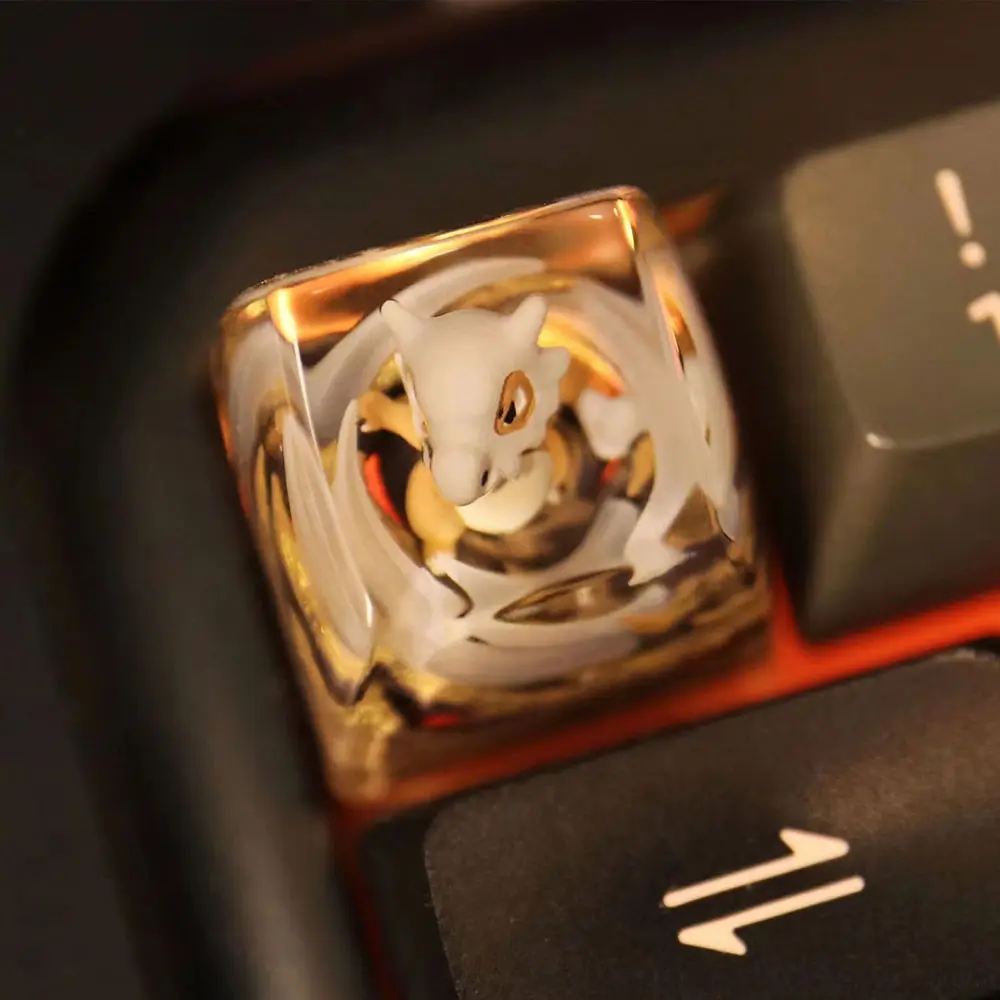
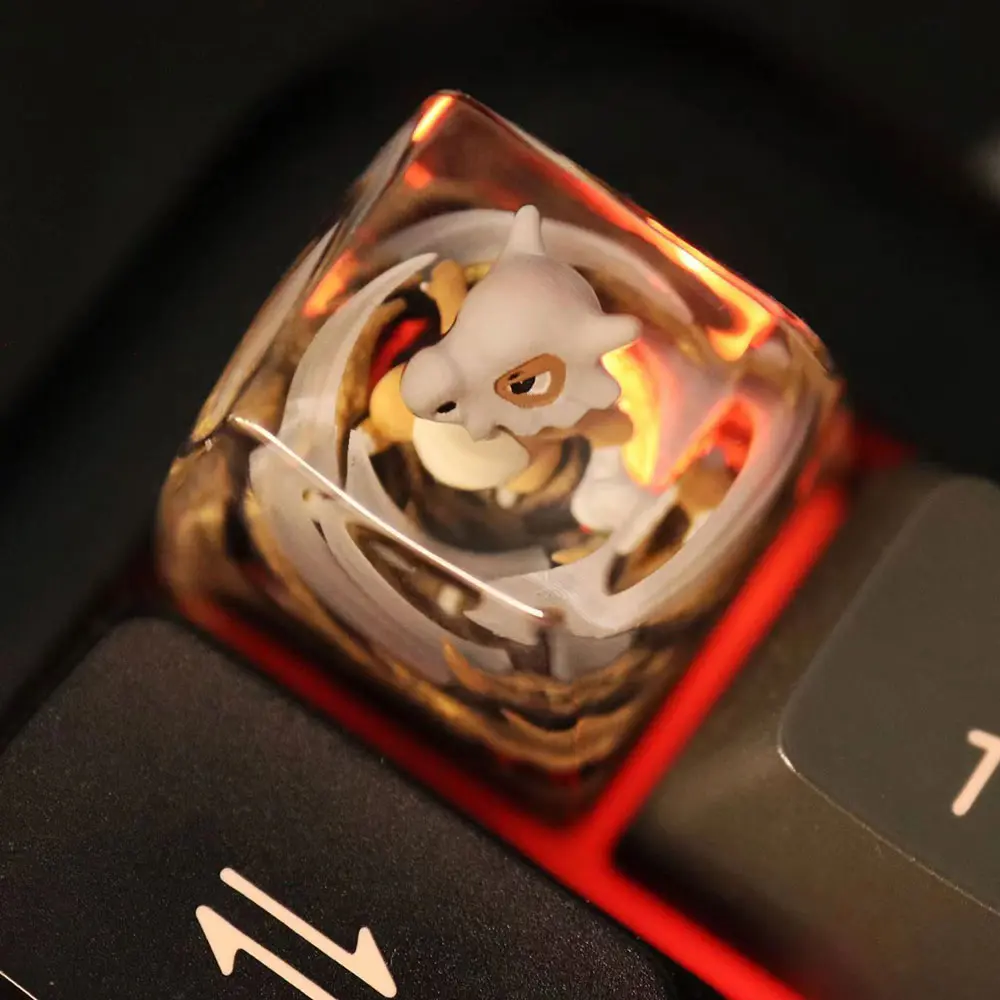
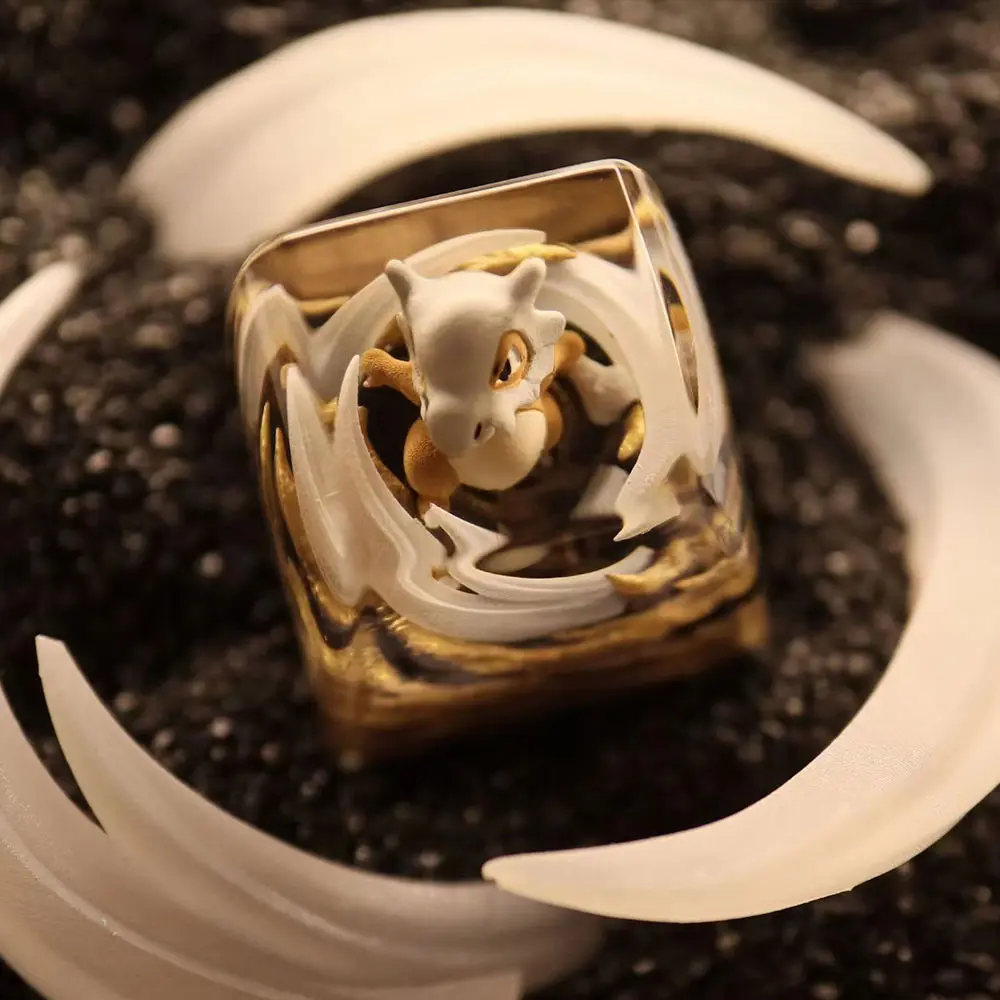
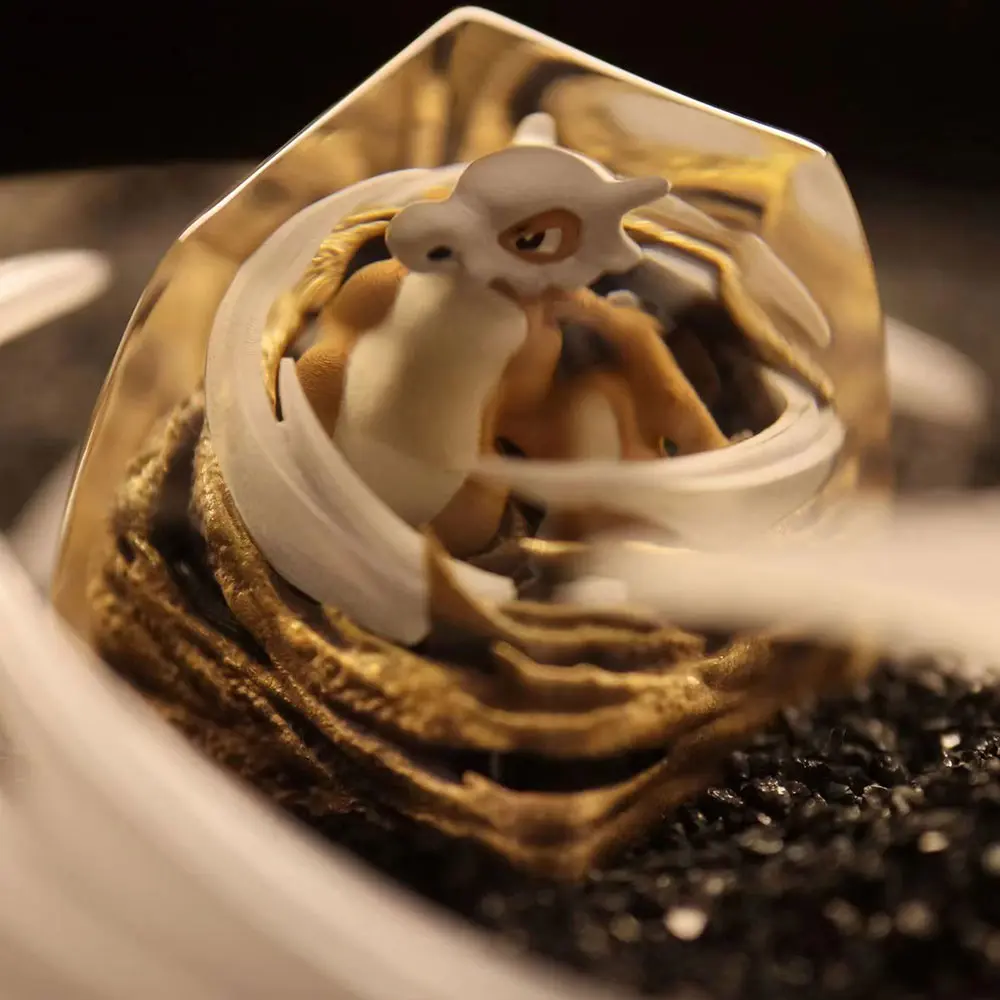
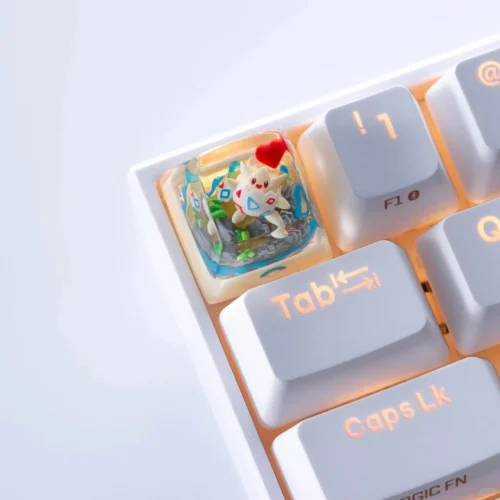
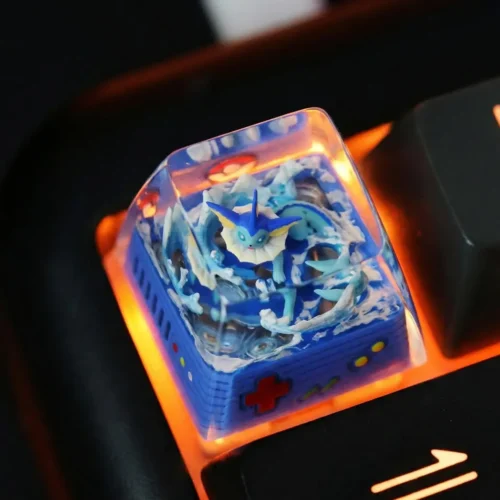
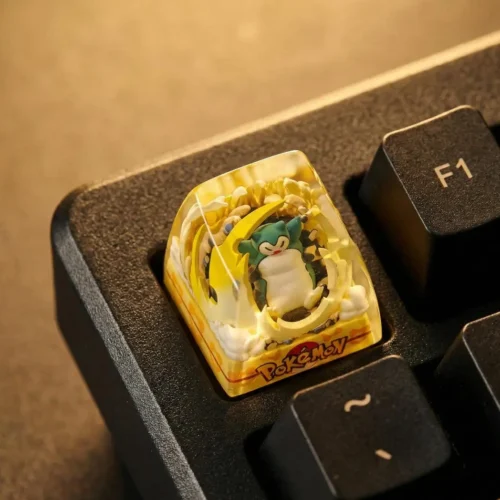
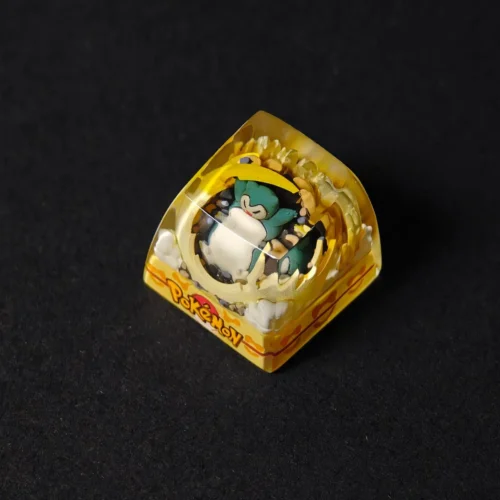
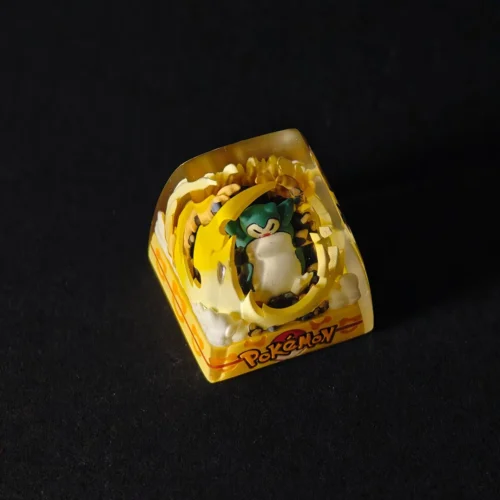
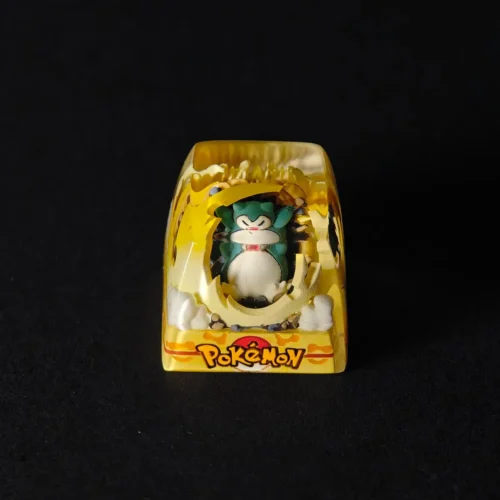
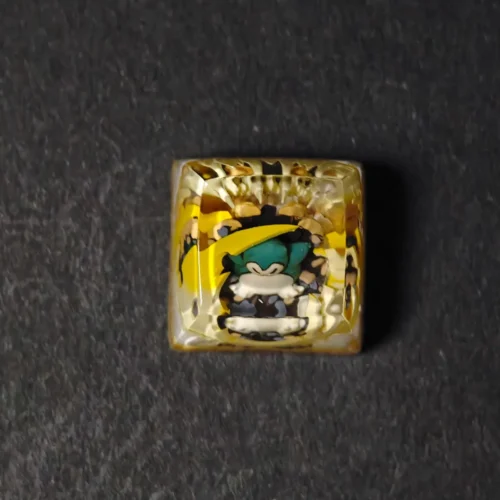
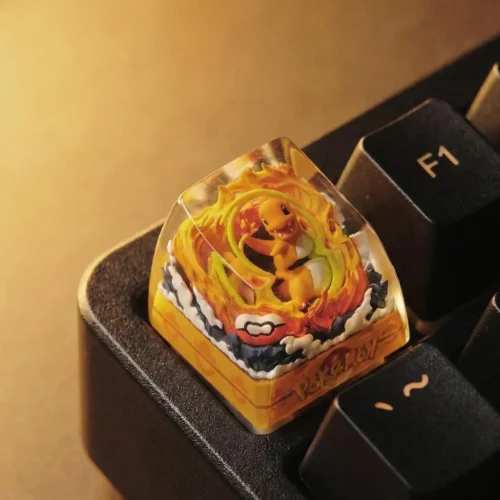
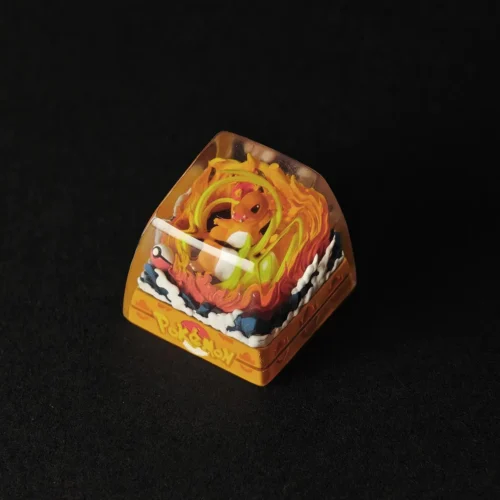
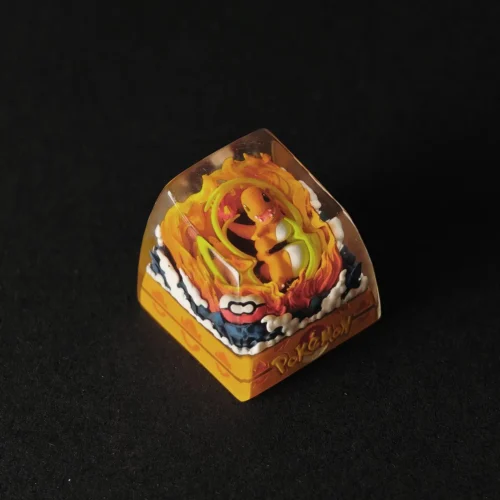
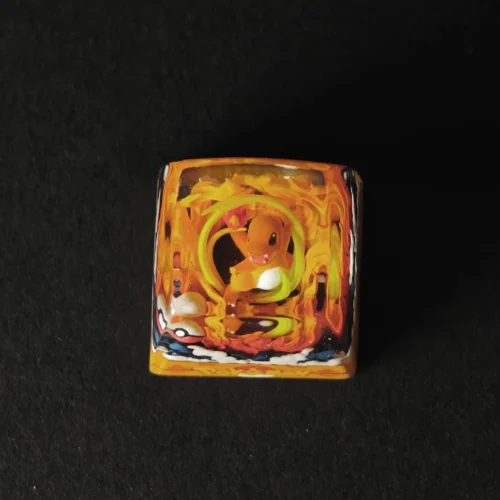
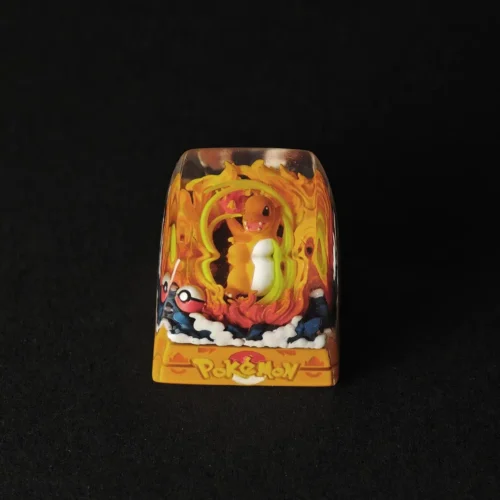
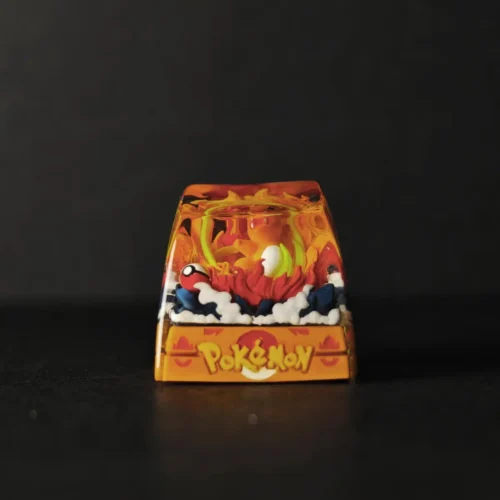
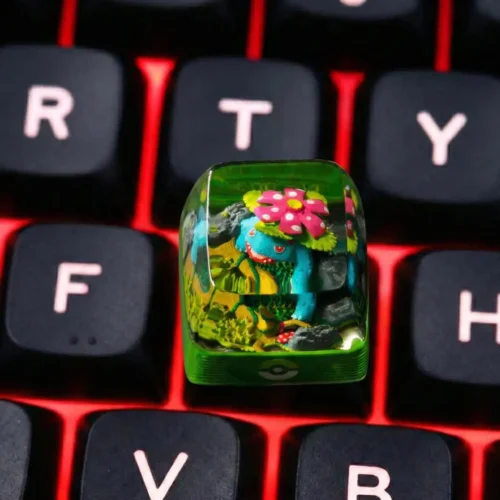
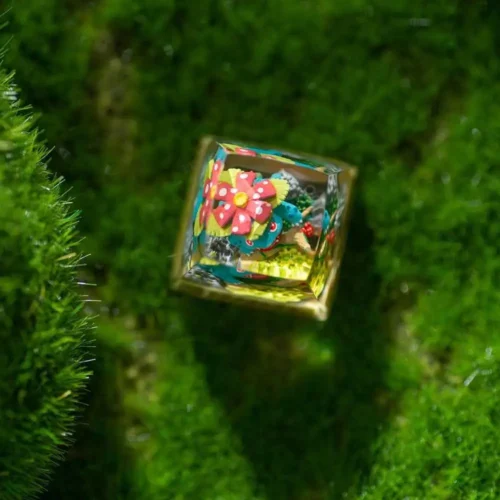
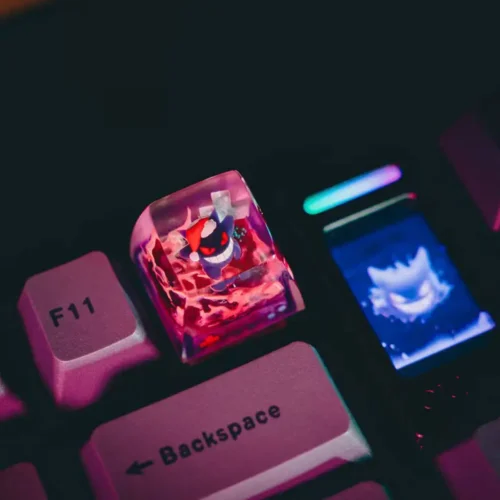
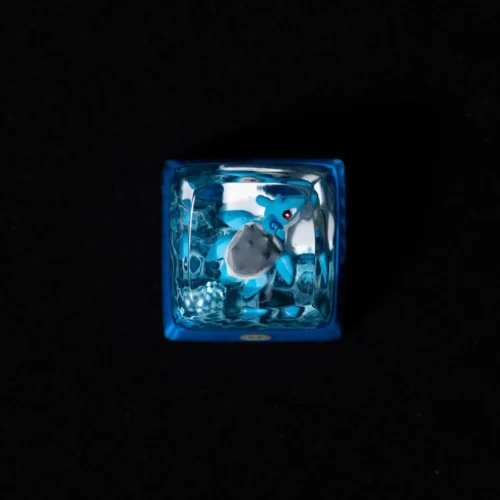
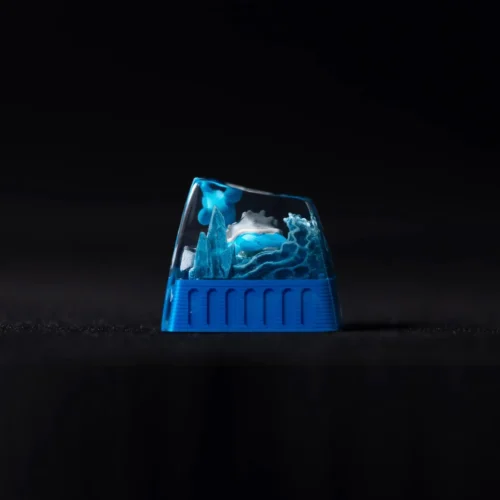
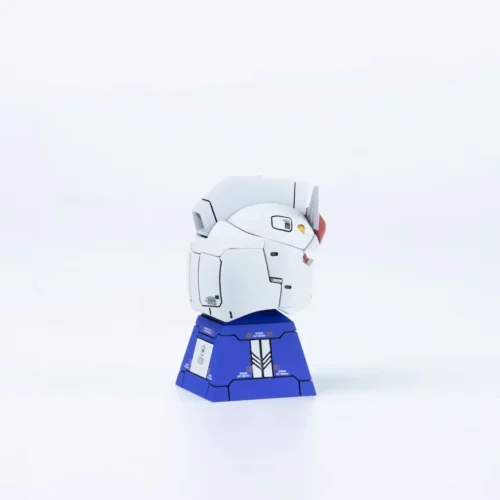
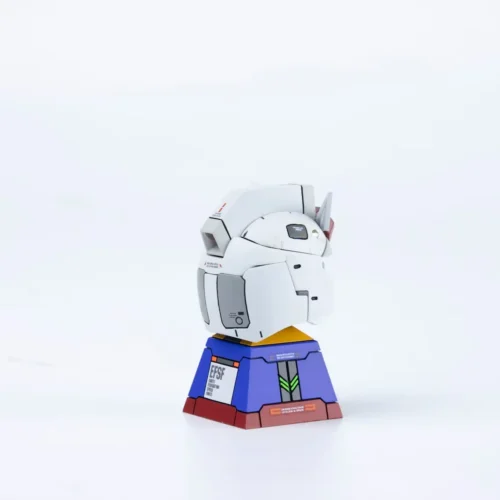
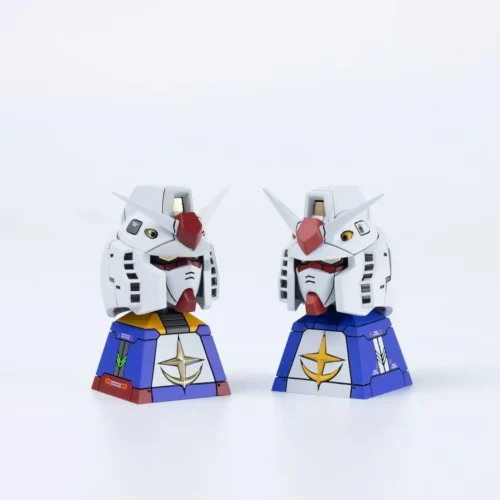
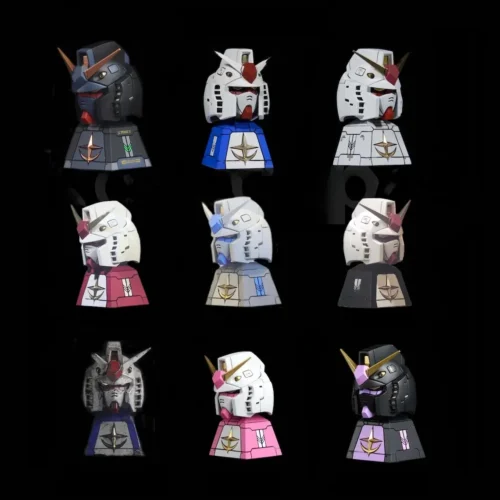
Uma tecla artesanal inspirada no Pokémon,
Concebido para coleccionadores e entusiastas de teclados mecânicos.
Especificações
- Tamanho: 1u | Altura: ~16 mm
- Perfil: SA | Linha: R1-R4 (recomenda-se ESC)
- Haste: compatível com Cherry MX
- Adapta-se à maioria dos teclados mecânicos MX
- Material: Resina transparente, pintada à mão
- Luz de fundo: Semi-translúcida (sem LED incorporado)
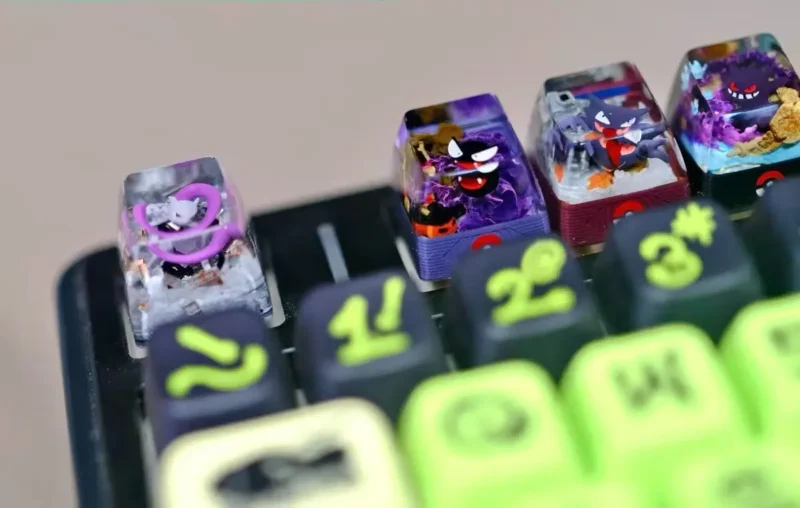
Mais do que uma tecla funcional, esta peça foi concebida como uma peça central visual.
Quer seja um fã de Pokémon, um colecionador ou um entusiasta de teclados, este produto confere carácter à sua configuração.
Coloque-o onde se destaque - e deixe-o falar por si.
Uma pequena cena no seu teclado
Feito à mão e único
Feito à mão, um por um
Cada tecla Pokémon é feita individualmente à mão utilizando técnicas de fundição de resina e pintura manual.
Devido ao processo artesanal, não existem duas teclas exatamente iguais - variações subtis tornam cada peça única.
Concebido para ser exibido e ter personalidade
Mais do que uma tampa de chave
Esta tecla foi concebida como uma peça central visual para o seu teclado - perfeita para as teclas ESC, teclas de função ou qualquer posição que pretenda destacar.
Não se destina a substituir as teclas de digitação normais, mas a acrescentar carácter e personalidade à sua configuração.
Resina transparente e efeito de luz
Artesanato em resina e interação com a luz
Fabricada com resina transparente, a tecla permite que a luz de fundo do teclado passe subtilmente através dela, aumentando a profundidade e o efeito visual em ambientes mais escuros.
O aspeto da iluminação pode variar consoante a cor e o brilho do LED do seu teclado.
Porque é que a tecla fica apertada ou solta em teclados diferentes?
Os interruptores dos teclados mecânicos podem variar ligeiramente entre marcas, lotes e tolerâncias de produção.
Devido a estas diferenças naturais, o ajuste entre a haste da tecla e o interrutor pode parecer mais apertado ou mais solto, dependendo do seu teclado. Isto é normal nas teclas artesanais e não indica qualquer defeito.
O que devo fazer se a tecla ficar demasiado apertada ou demasiado solta durante a instalação?
Por favor, não force a tampa da chave no interrutor.
Se o encaixe parecer demasiado apertado ou demasiado solto, pode aquecer suavemente a área da haste da tecla com um secador de cabelo durante cerca de 10 segundos. Isto amolece ligeiramente a resina e permite um pequeno ajuste.
Depois de aquecer, instale cuidadosamente a tampa do teclado e verifique o encaixe. Se necessário, repita a operação até que fique bem ajustada.
Existem algumas precauções especiais durante o tempo frio?
Sim. O material de resina pode tornar-se mais frágil em ambientes frios.
Ao instalar ou retirar a tampa durante o inverno ou a baixas temperaturas, evite aplicar força excessiva. Deixar a tampa voltar à temperatura ambiente antes da instalação para reduzir o risco de danos.
Porque é que a superfície pode ter pequenas imperfeições ou marcas?
Cada tecla é fabricada através de um processo artesanal de várias etapas, incluindo moldagem, pintura à mão e acabamento.
Devido ao facto de a superfície ser polida à mão e não à máquina, podem estar presentes pequenas variações ou marcas superficiais menores. Estas são caraterísticas normais das teclas artesanais e não são consideradas defeitos.
Como devo limpar corretamente a tampa do teclado?
Não utilizar álcool, toalhetes com álcool ou produtos de limpeza químicos.
O álcool pode danificar o revestimento da superfície ou a resina, causando turvação ou perda de pormenor.
Para limpar a tecla, utilize um pano macio e seco ou um pano ligeiramente húmido, se necessário, e deixe-a secar naturalmente ao ar.













gmoury -
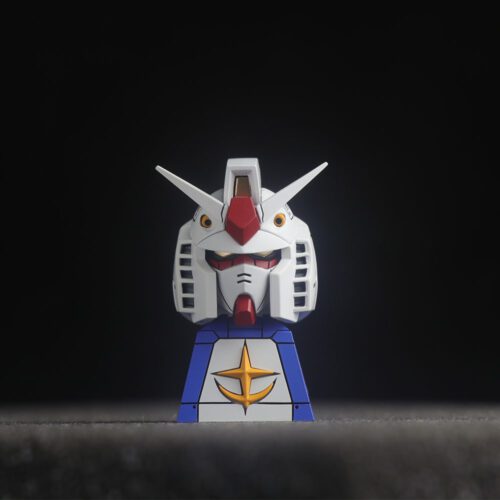
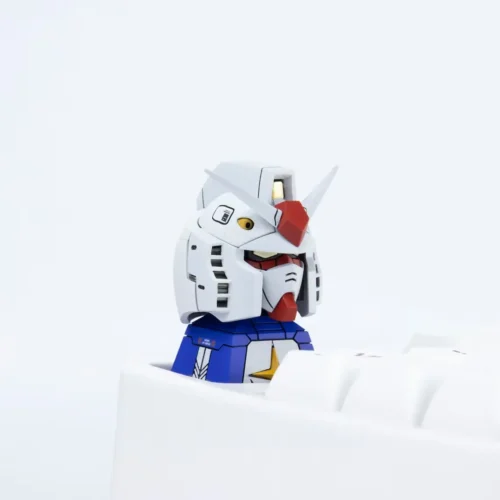
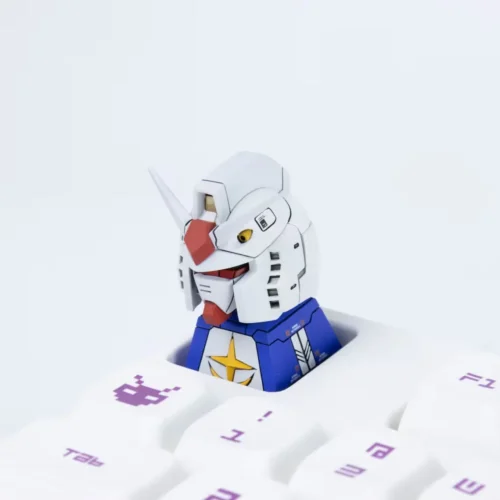
Capa de teclado muito bem trabalhada!
esmeralda64 -
É uma chave muito gira. Os pormenores são muito bons. Também estava bem embalado e chegou a tempo!